Use the current page
Open QR Studio on any website and start with that page’s address.
 QR Studio
Create a QR code from the page you’re on, customize its colors, and download it in the format you need. No account or extra steps.
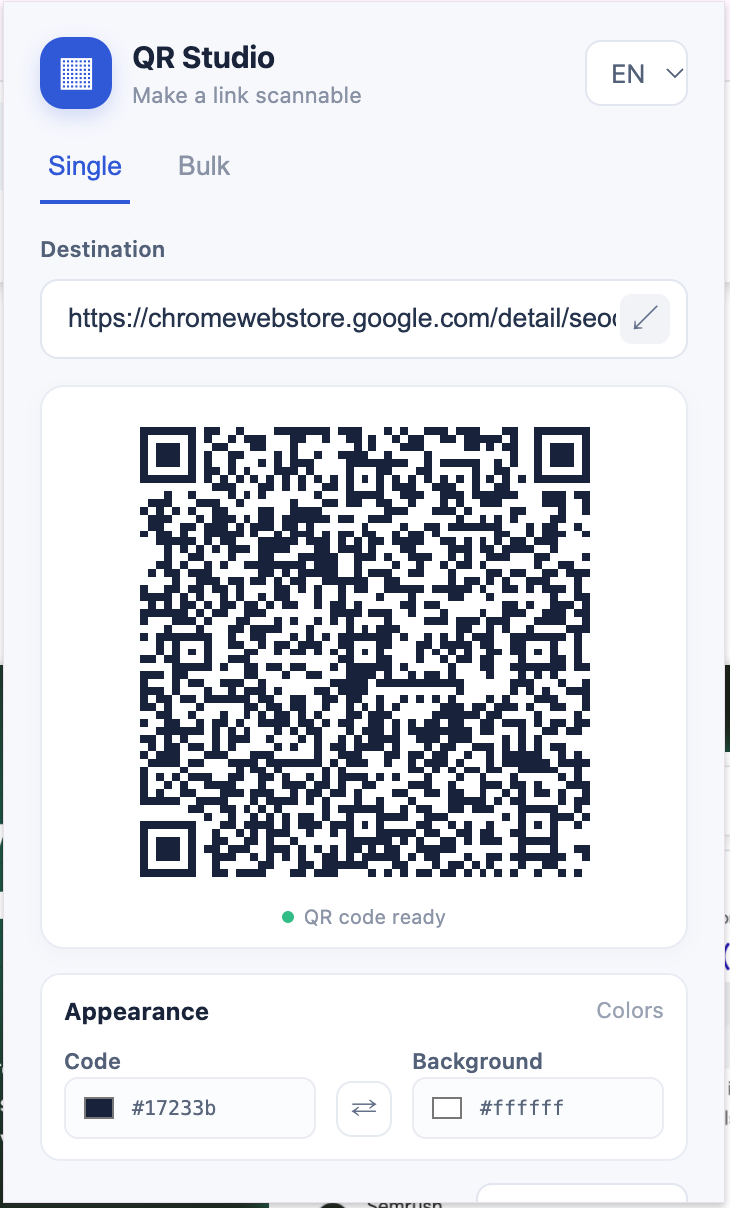
Quick to make, easy to customize, ready to share.
Open QR Studio on any website and start with that page’s address.
Choose code and background colors before you export.
Save as PNG, JPEG, WebP, SVG, or PDF.
Paste multiple links and download every QR code together in a single ZIP file.
Your links are processed in your browser and are not sent to a QR service.
Switch between English and Turkish from the extension.
Use the active tab or paste a link.
Pick your code and background colors.
Choose a format or bundle a batch into one ZIP.